


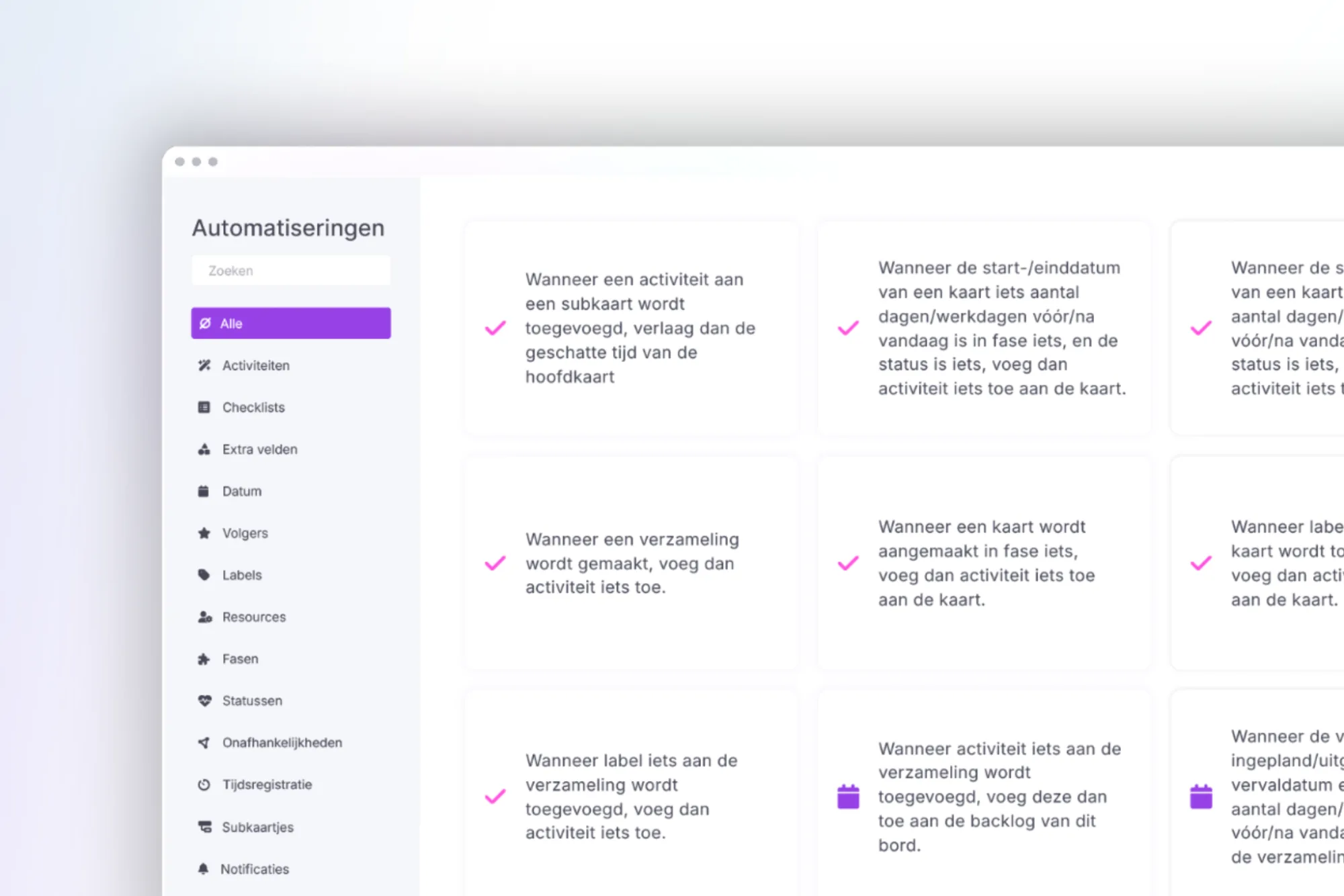
A big step towards smarter planning!
With our latest automations, you’ll save time, prevent errors, and stay automatically informed about what matters most. Check out what’s new below!
🎯 Automatically copy labels from main card to subcards
“When subcard is created, add all labels from the main card”
From now on, all labels on a main card will be automatically added to any subcards. No more manual updates for each subcard—saving you a few extra clicks!
Example: You create a main card with the label Urgent and split it into three subcards. Each of those subcards will automatically inherit the Urgent label.
🔔 Notifications when all cards reach a certain status
“When all cards in a stage change to status ‘X’, notify user”
Example: As a marketing manager, you want to be informed when all tasks for Project X in the Photography stage are completed. Simply set the automation to notify you when all cards in the Photography stage are marked as Done.
You’ll never miss the moment when an entire project (or part of it) is completed.
⏰ Warning notification based on custom field: date, status, and label
“When custom field date is ‘X’ days in the past with status ‘X’ and label ‘X’, notify users”
Example: The delivery date is 5 days ago, the card is still marked Waiting for supplier confirmation, and it has the label Supplier risk. You’ll now receive an automatic notification—giving you time to act before things really go wrong.
✍️ Auto-fill custom field based on date
“When the card date is ‘X’ working days from today and custom field ‘X’ is empty, set custom field ‘X’ to ‘X’”
Example: The start date is just 4 days away and the Priority custom field is still empty. vPlan will now fill that in for you automatically—keeping your planning complete and clear.
📅 Automatically update due date to latest end date
“When the end date of a card in stage ‘X’ changes, set the collection’s due date to the latest end date”
If a card’s end date changes in a certain stage, vPlan will automatically update the due date of the entire collection to match the latest card end date.
Example: You have a collection with three cards in the Production stage. You move one of those cards back by 2 days. The due date of the entire collection will automatically be adjusted to reflect the new, latest end date.
👀 Notification based on custom field: date and status
“When custom field is ‘X’ days in the past with status ‘X’, notify users”
If you’re working with a date field like due date and you're the one responsible for checks, this automation is ideal.
Example: A card is marked as Review, and the date field is 3 days in the past. You’ll automatically receive a notification.
This way, you’ll know exactly when to take action, without having to monitor things manually.
💡 Use these automations smartly and let vPlan do the work for you.
Fewer clicks, fewer mistakes, and more clarity.
Got a great idea to make vPlan even smarter? Share it with us in the community, your idea might just end up on our roadmap! 🚀
Try it in your own vPlan
Every new feature is in the free trial.



