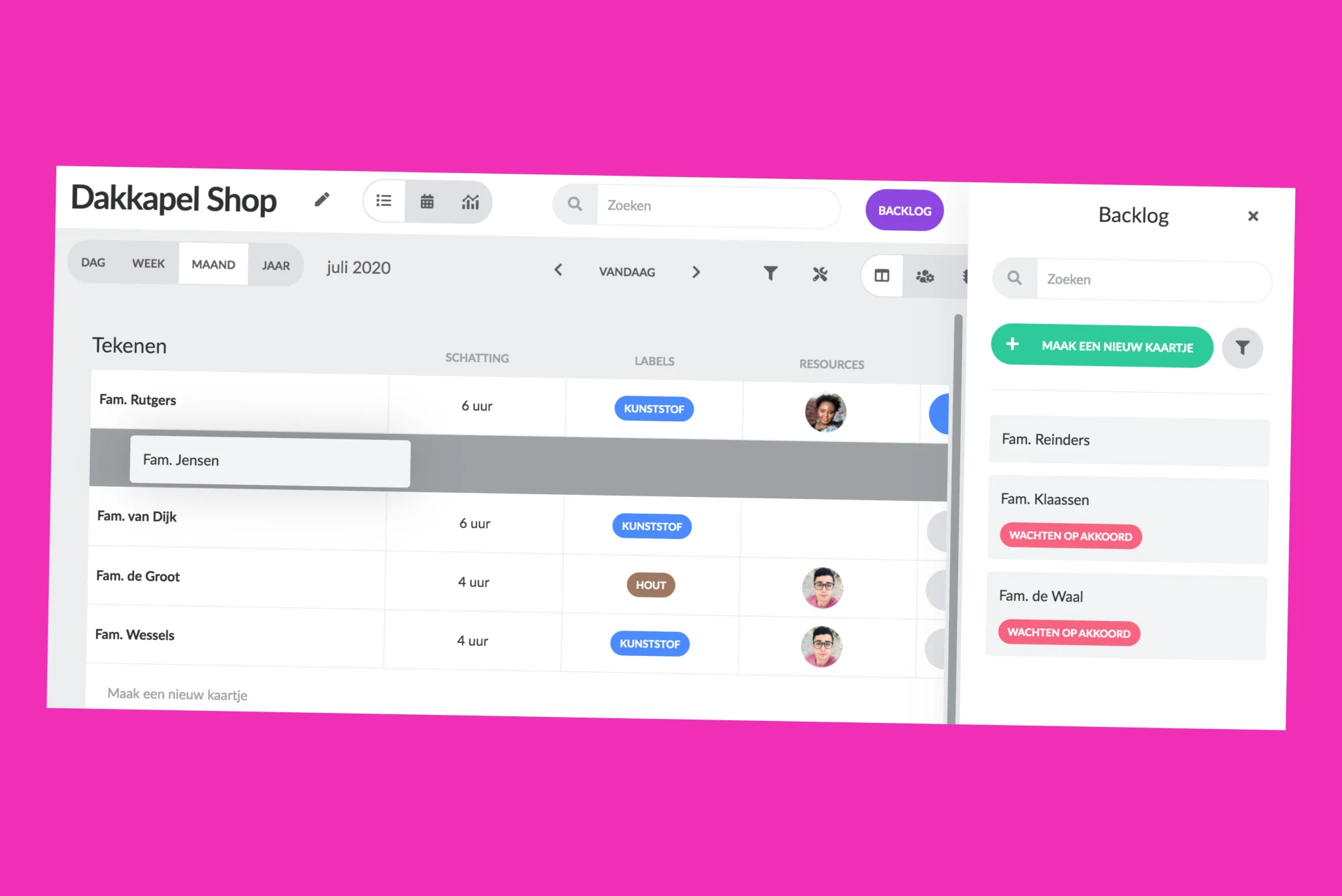
Easy card dragging
The list view is one of the most frequently used functions of users. It gives a clear overview of all tasks, commands and orders. You decide which information should be shown. Besides, you can easily search and filter in it.
From now on, the backlog is also available in the list view. Drag and drop a map from the backlog to a location of your choice in the list. You can quickly and easily drag multiple tickets from the backlog to the list.
Colums width adjustable
Also, we have made it possible to set the width of the columns ourselves. Of course, the settings are remembered.
Would you also like to experience the ease of planning with vPlan? Create an environment now and try it out for free.
Try it in your own vPlan
Every new feature is in the free trial.