


New extensions
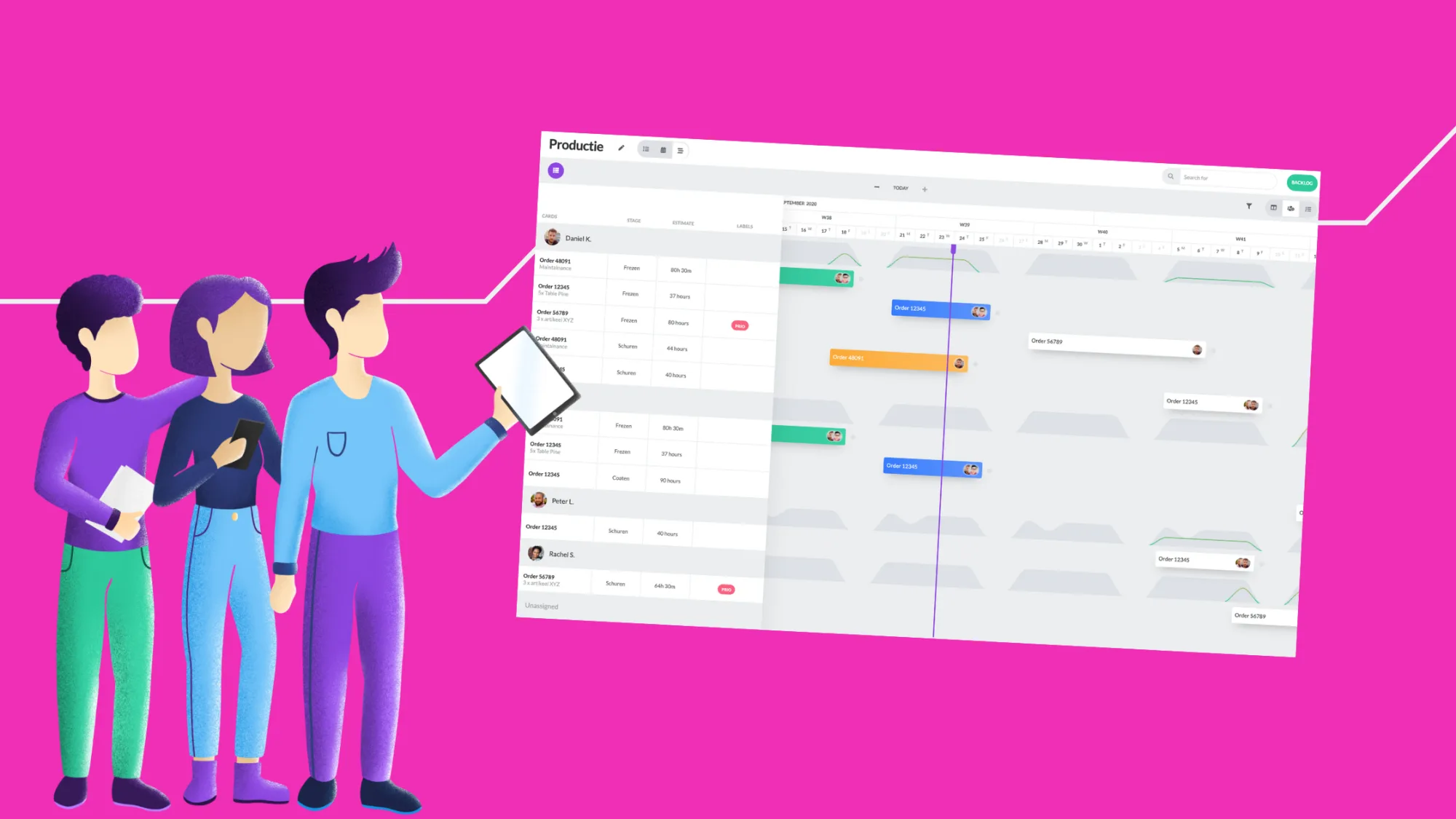
As previously announced, we're introducing several exciting enhancements to the timeline. From now on, you can plan from the backlog, view capacity, and receive alerts. Read on for more details:
Capacity in Timeline
We now also display capacity in the timeline. This provides immediate insight into the impact of your available resources when (re)planning. Capacity is shown in both phase and resource views of the timeline.
Backlog in Timeline
You can now plan cards in the timeline directly from the backlog. Simple and quick with drag and drop.
Alert Display
A bottleneck, such as an overdue deadline, is visually represented by a colored border around the strip. This allows you to quickly identify which tasks may be causing issues and address them promptly.
And what else?
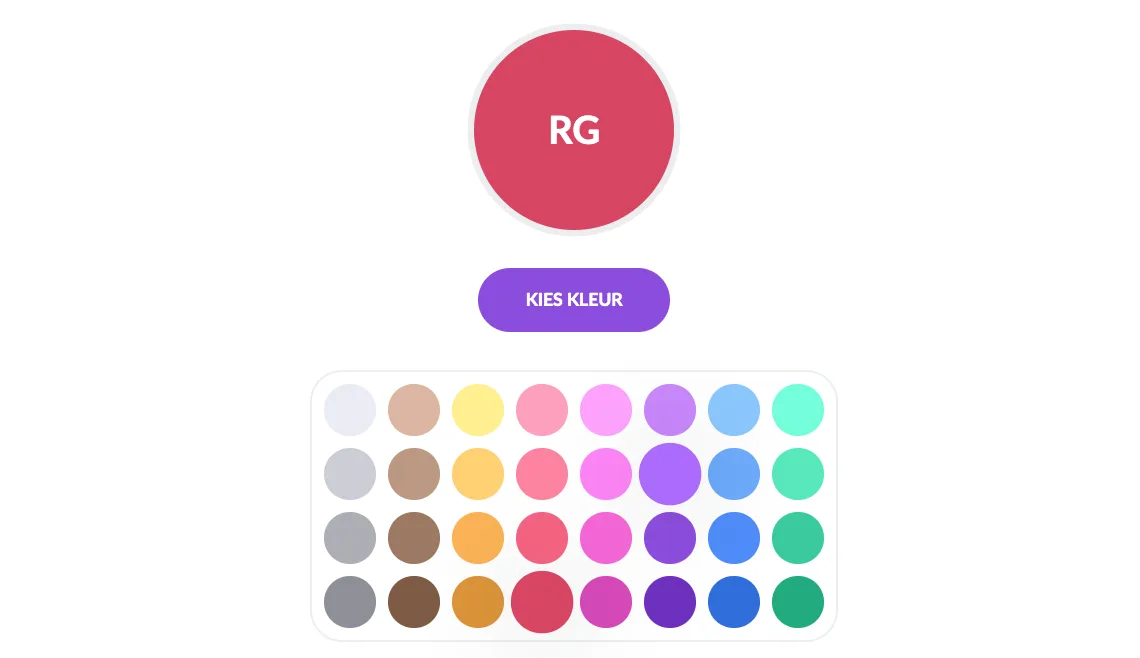
Avatar Background Color
Customize the background color of your resources' avatars. For example, assign a red background color to all your production workers and a green color to your technicians.
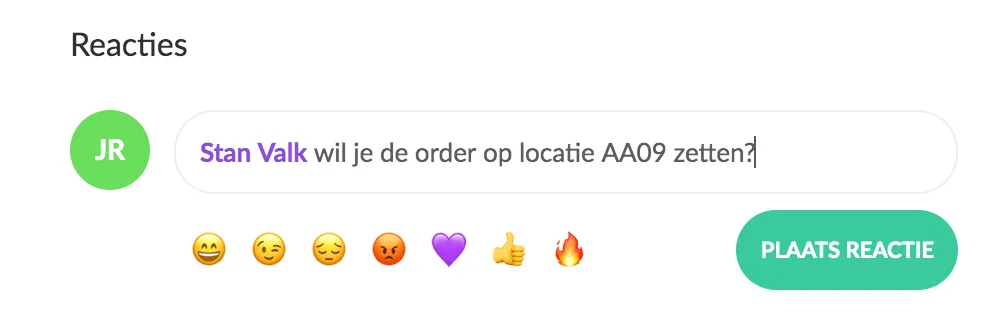
Mention Only Users with Board Access
From now on, you can only mention users in a comment who also have access to the board.
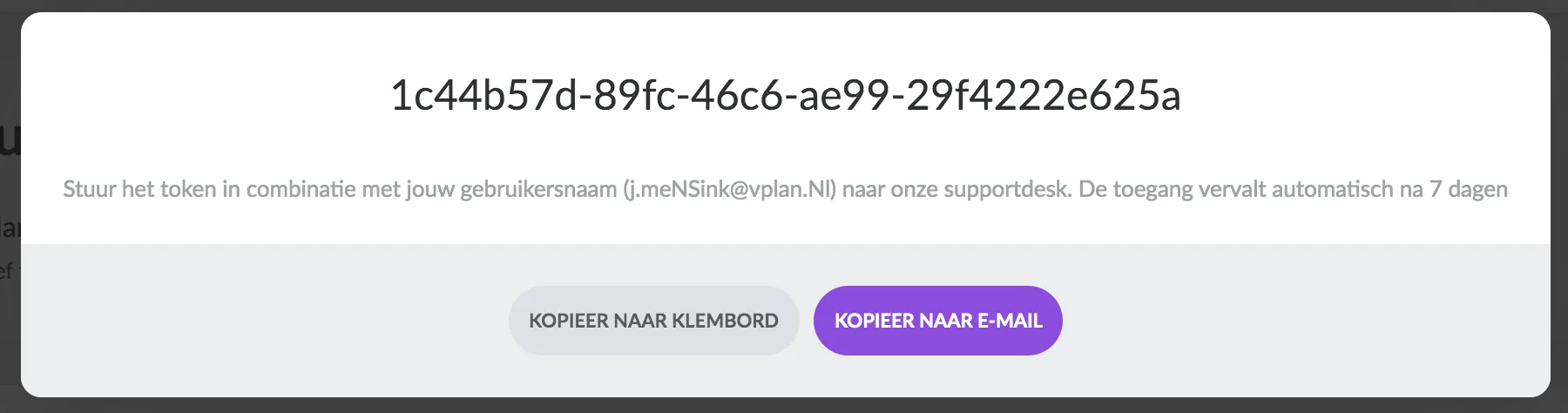
Send Your Support Token Directly via Email
Sometimes we may ask you to send a support token to our support department. This allows us to securely assist you without the need to send sensitive login information via email. You can now send your support token even faster via email with this feature.
Try it in your own vPlan
Every new feature is in the free trial.



