Create your views
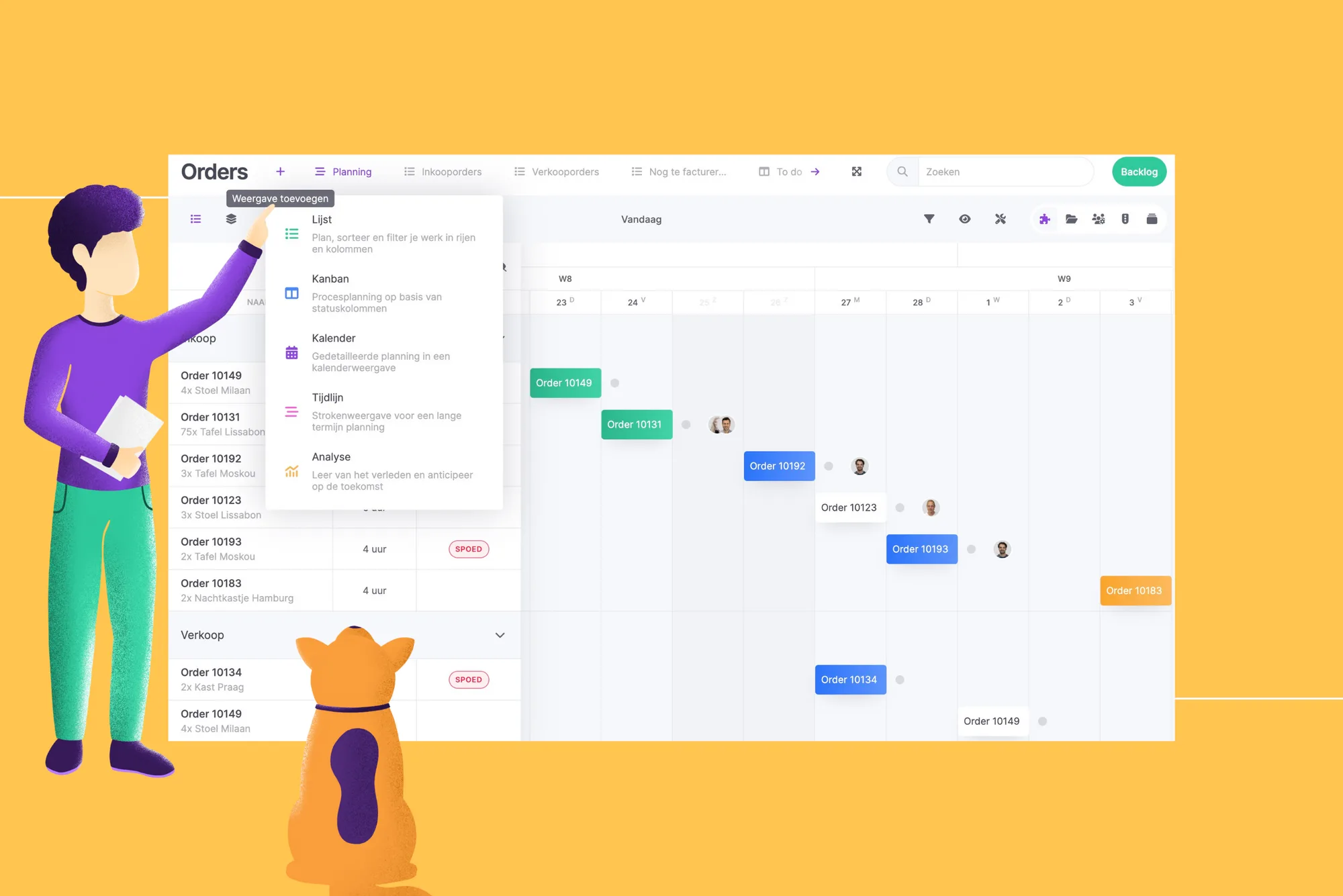
Our mission is to make businesses more productive. This great functionality contributes greatly to that. It is now possible to add multiple (same) views to planning boards yourself. This allows you to create your personal views. We'll show you how to do this.
Previously you had four fixed views: list, kanban, calendar and timeline. With filters and preferences you could determine what you wanted to see per view. But if you wanted to see something different, you had to adjust the filters or preferences each time. This can now be easier!
Add views
Decide for yourself which view and how much of this view you want to add to your planning board. The created views appear at the top of the board. For the sake of recognizability, give each view a name. Determine per view on which you filter and what you display. The filters and preferences are saved by default. So you can now easily switch between the multiple views, without adjusting filters and preferences!
Example: in the example above, three lists, a timeline and a Kanban planning board have been chosen. The timeline is used here for the planning of all orders. Sales and purchase orders are split into two separate lists to get an equal view of the statuses. And here a planning board has been created that filters on all orders still to be invoiced.
Determine the order of your views yourself, by dragging and dropping them to the correct position. This allows you to put the most important views first.
With personal insights, we once again offer our customers a cool functionality that makes planning and execution even easier.
Try it in your own vPlan
Every new feature is in the free trial.