New function in the backlog
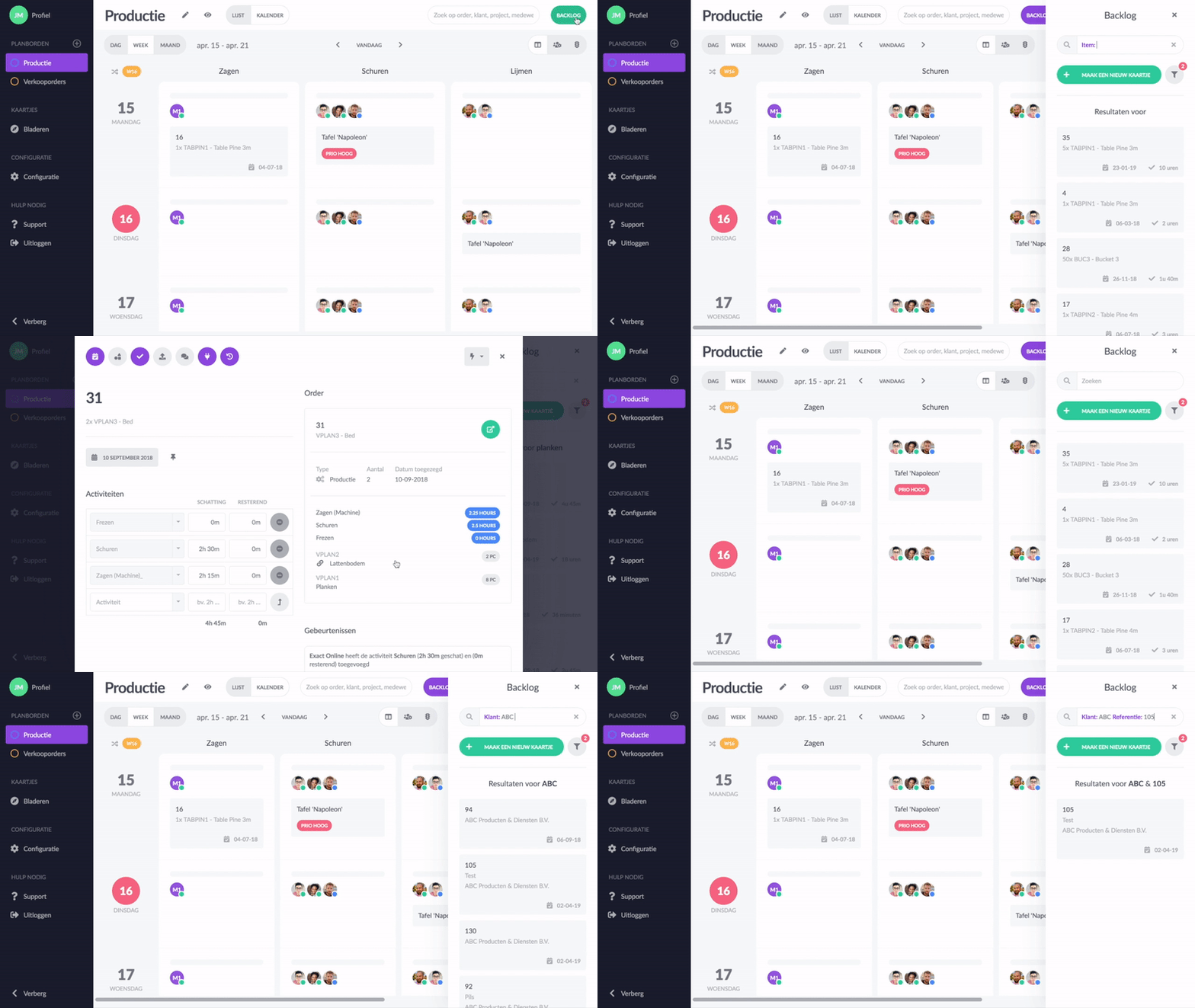
In the backlog of your planning boards and when browsing, it is now possible to perform advanced searches in the search window. With this new functionality, you can search in specific fields. This applies to the fields of a collection, but you can also search in specific orders or project information, which we receive via your linked software system. To choose a filter, first, type the 'colon' (:) sign in the search window.
You can search by:
- Activities
- Item (articles)
- Customer
- Warehouse
- Name
- Description
- Project
- Reference
- Status
Do you also want to get a grip on your planning? Try vPlan for free!
Try it in your own vPlan
Every new feature is in the free trial.