


What is Zapier?
Zapier is a popular integration platform that allows vPlan users to build integrations between vPlan and various other platforms available within the Zapier ecosystem. Each connection made within Zapier is called a "zap." A zap consists of a trigger and an action.
A trigger is an event that initiates a connection. For example, the event when a card is created in vPlan. The trigger prompts a subsequent action; the action completes the zap, for example, 'create an appointment in Google Calendar'.
In the video below, we showcase some of the possibilities that Zapier offers.
vPlan and Zapier
vPlan now also offers triggers and actions on the Zapier platform. This means that we enable vPlan users to connect with over 2,000 apps. The possibilities are endless, so here's an example to demonstrate the powerful combination.
You will use the following spreadsheet:
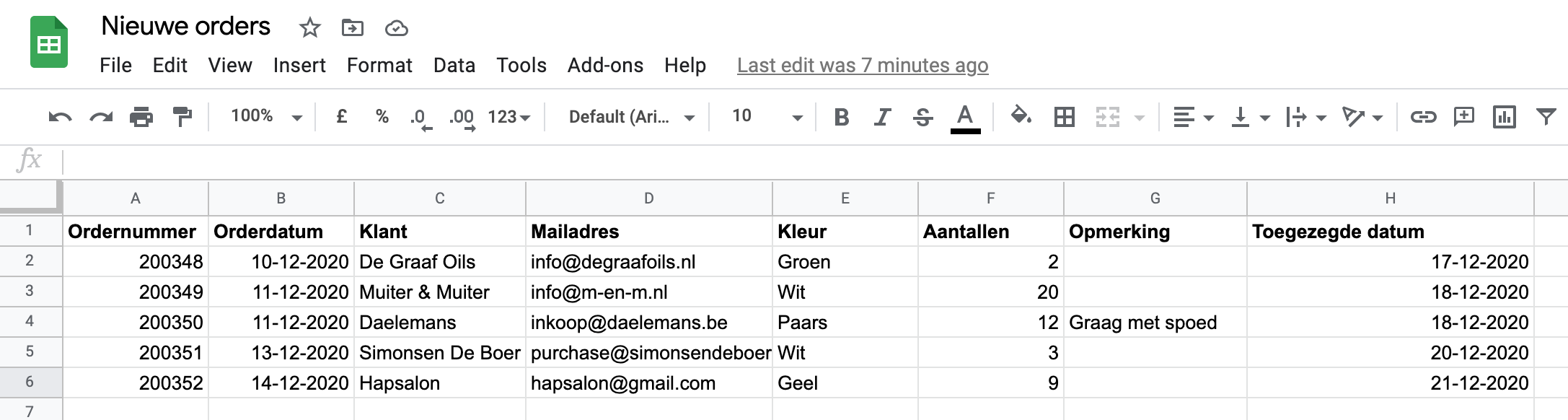
Every new row should become a card in vPlan.
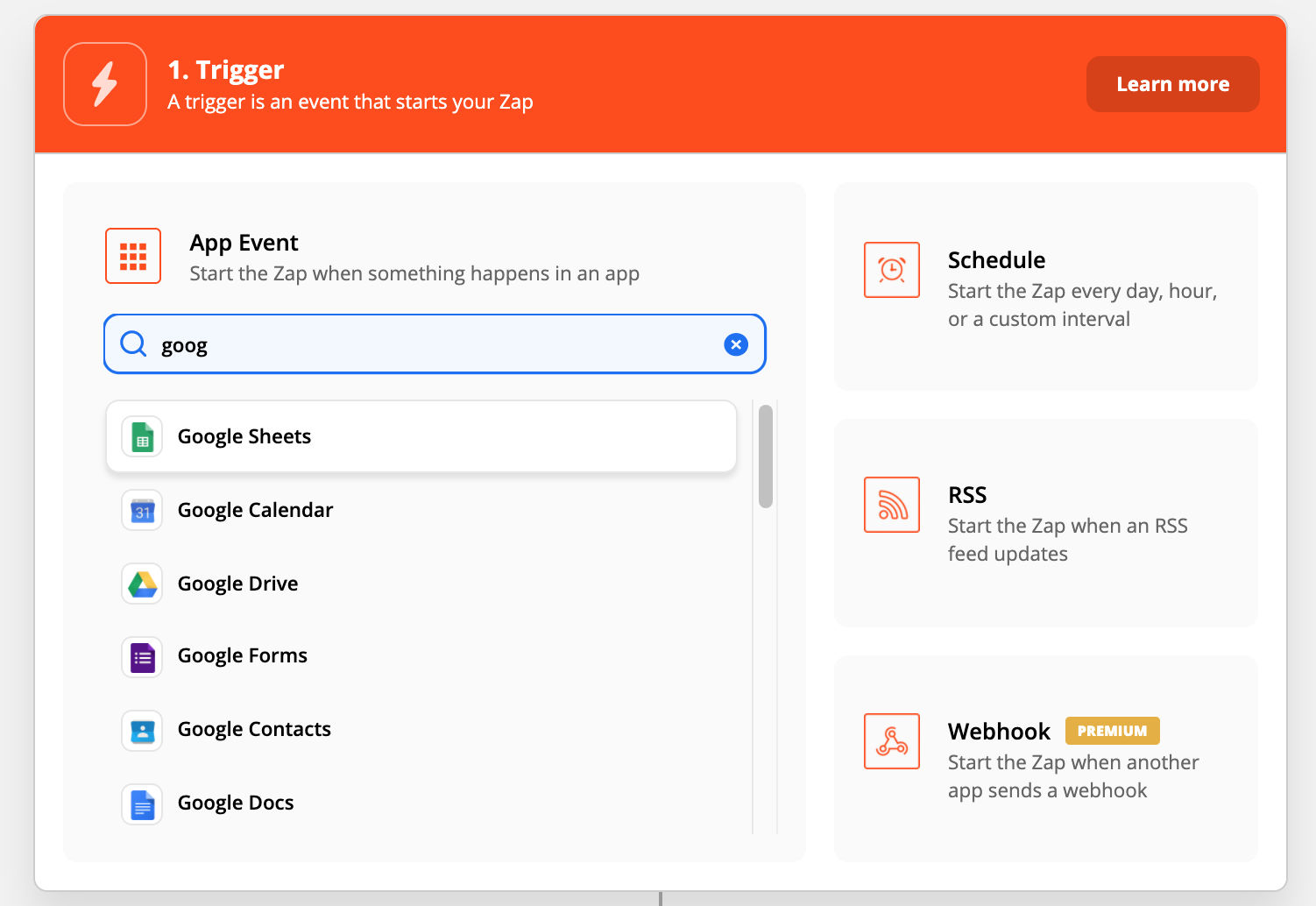
First, create a trigger in your Zapier account. Search for the Google Sheets app:
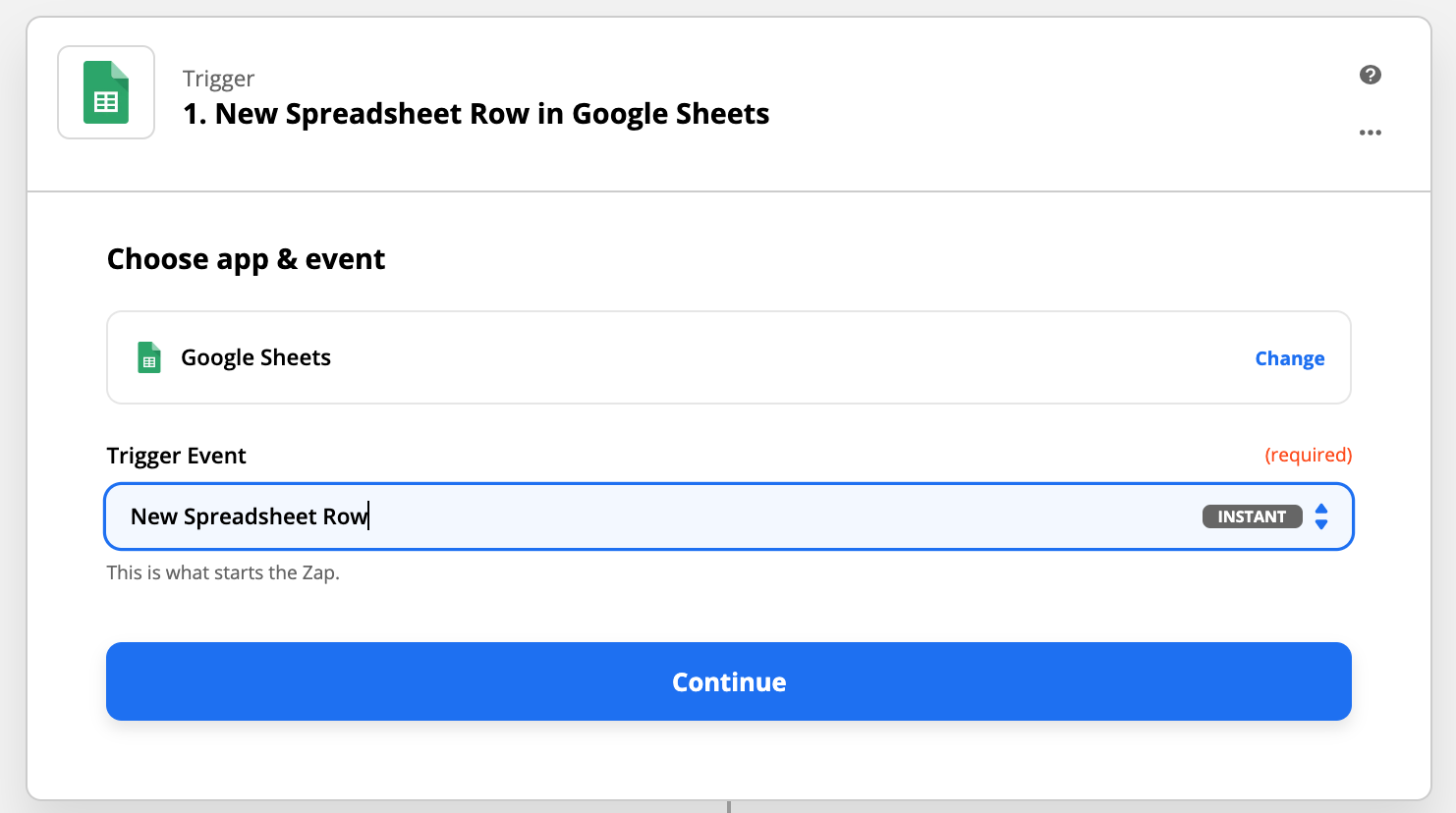
Select the correct Trigger event:
Log in with your Google account for access and authorization to retrieve data from Google Sheets:
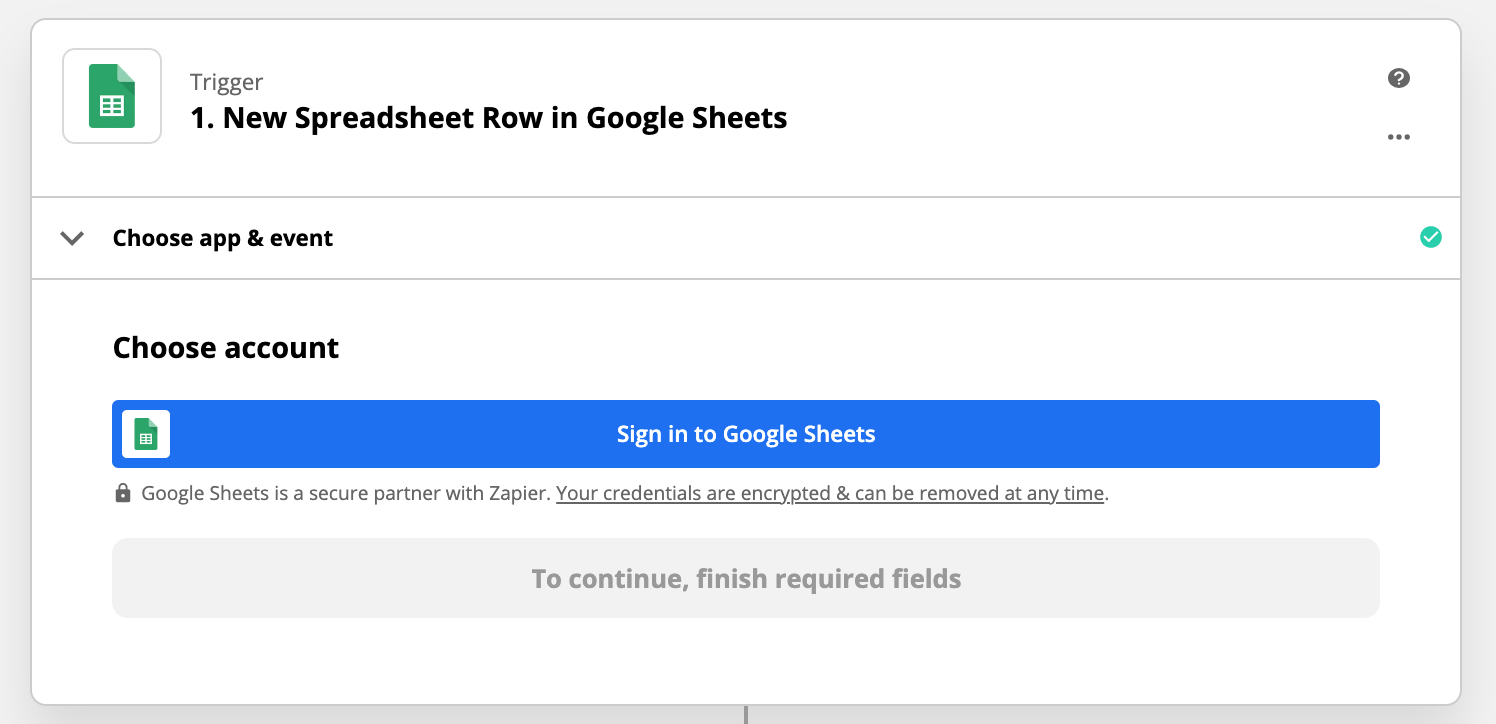
Choose your account and select the correct spreadsheet and worksheet (workbook):
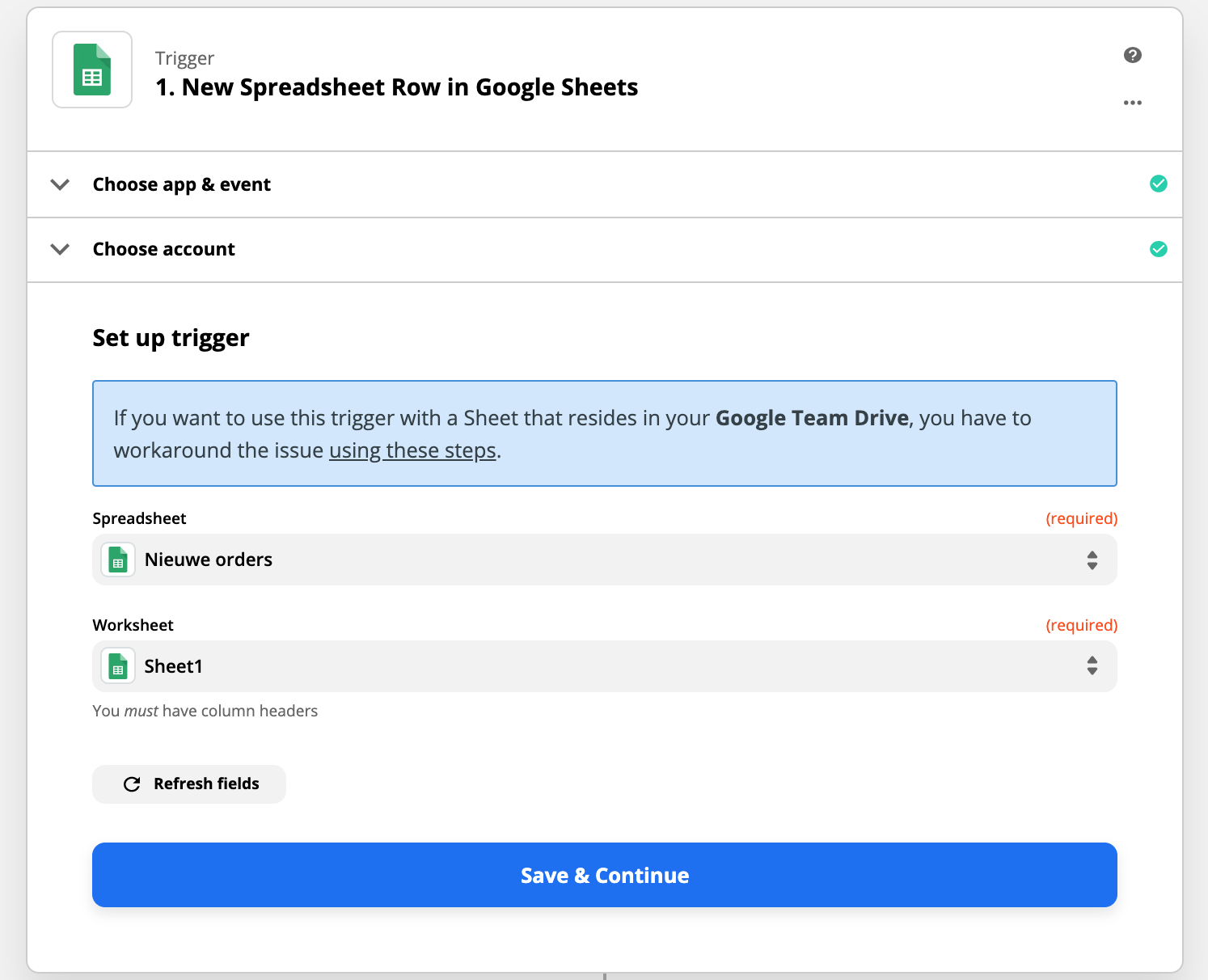
You can now test the trigger:
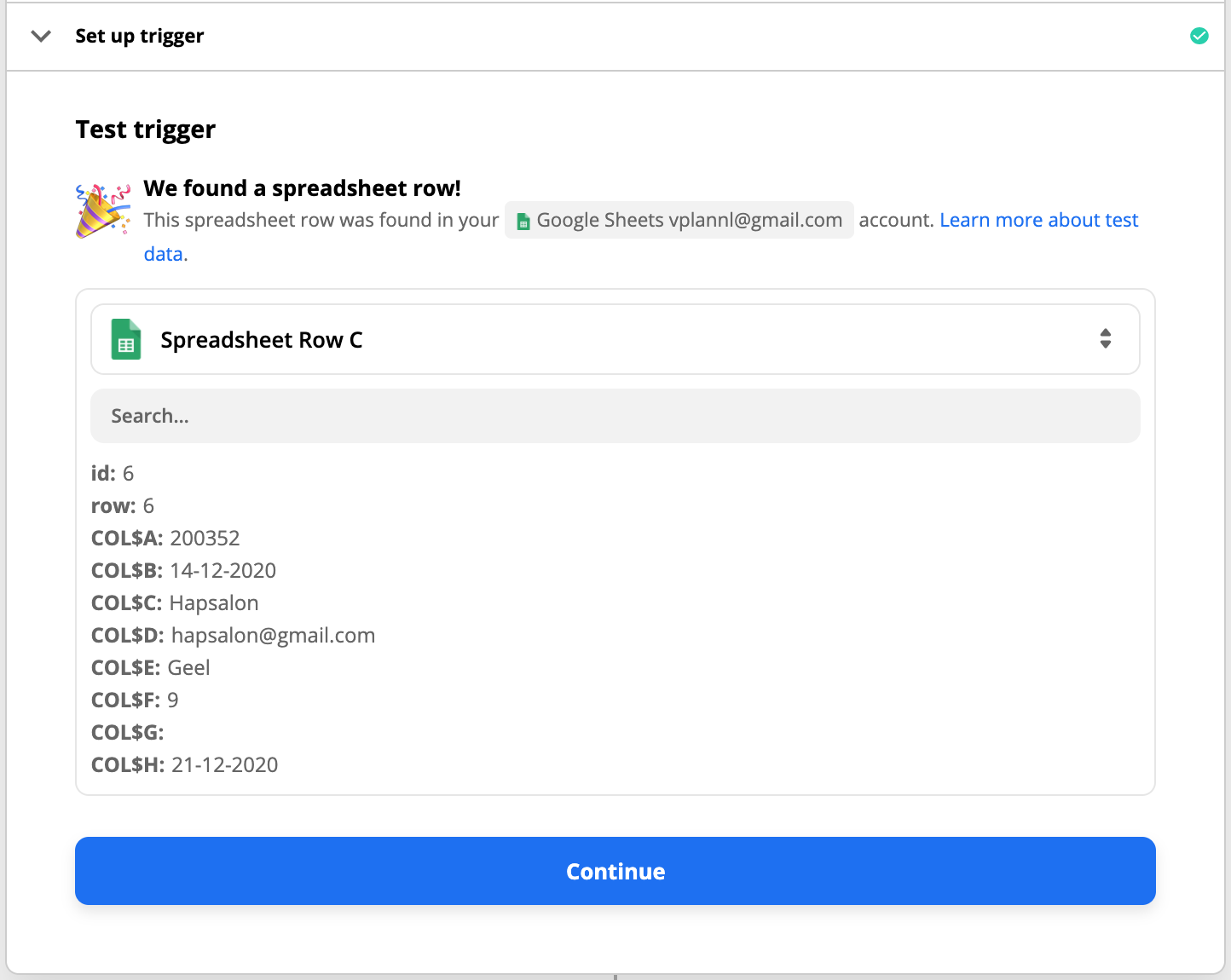
The trigger was successful! We can now proceed with setting up the Action. Search for vPlan and select the desired action:
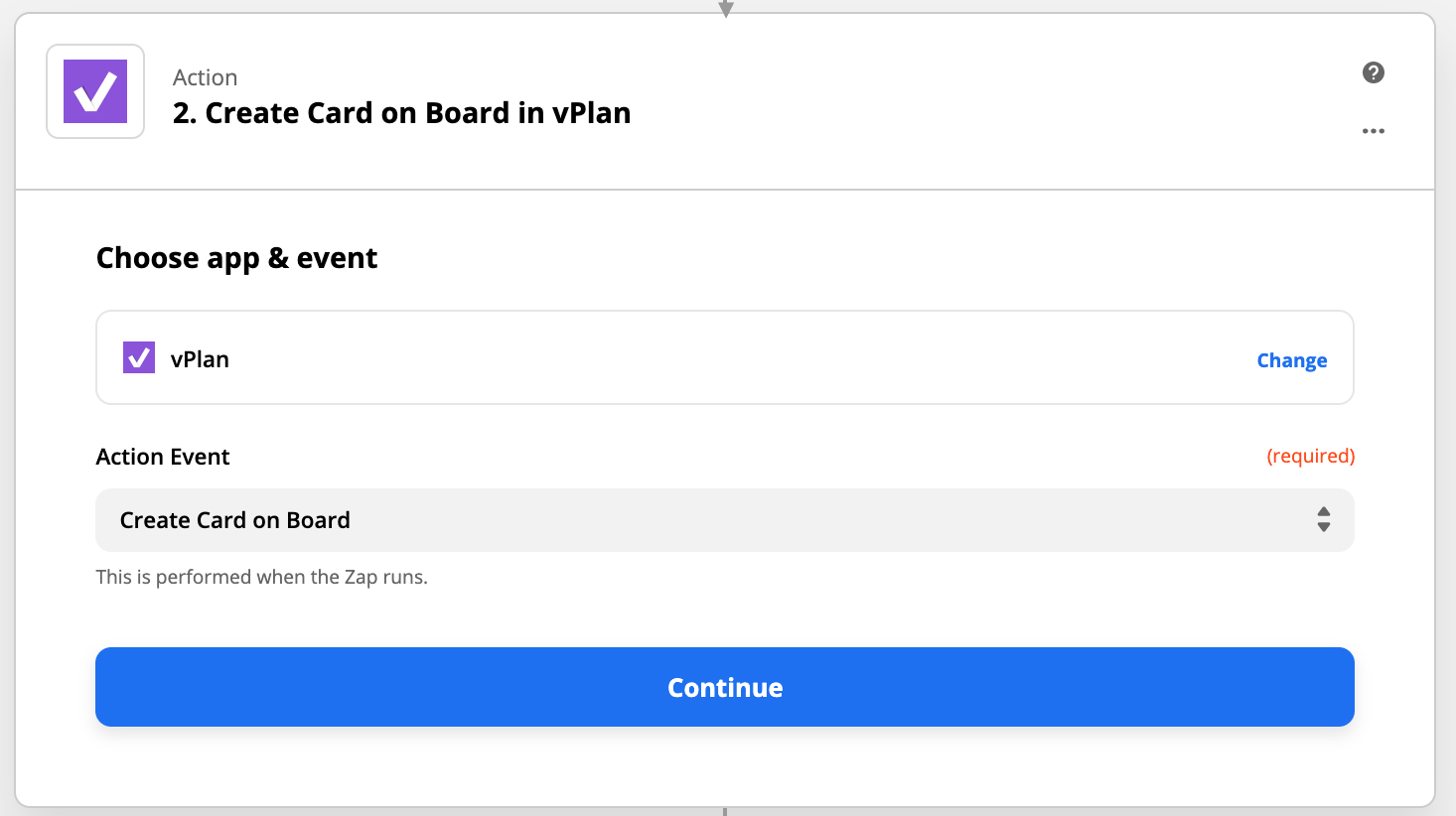
Log in with your vPlan account to grant permission for data exchange:
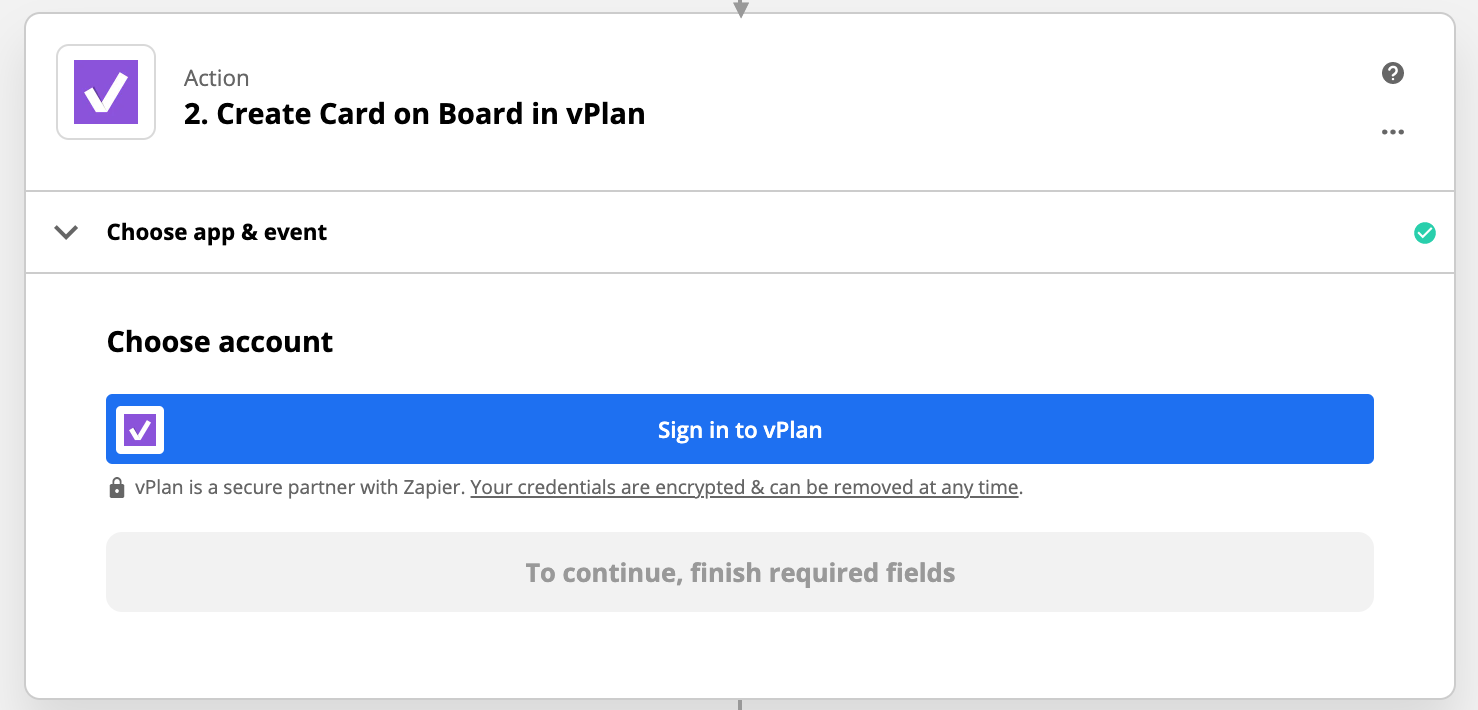
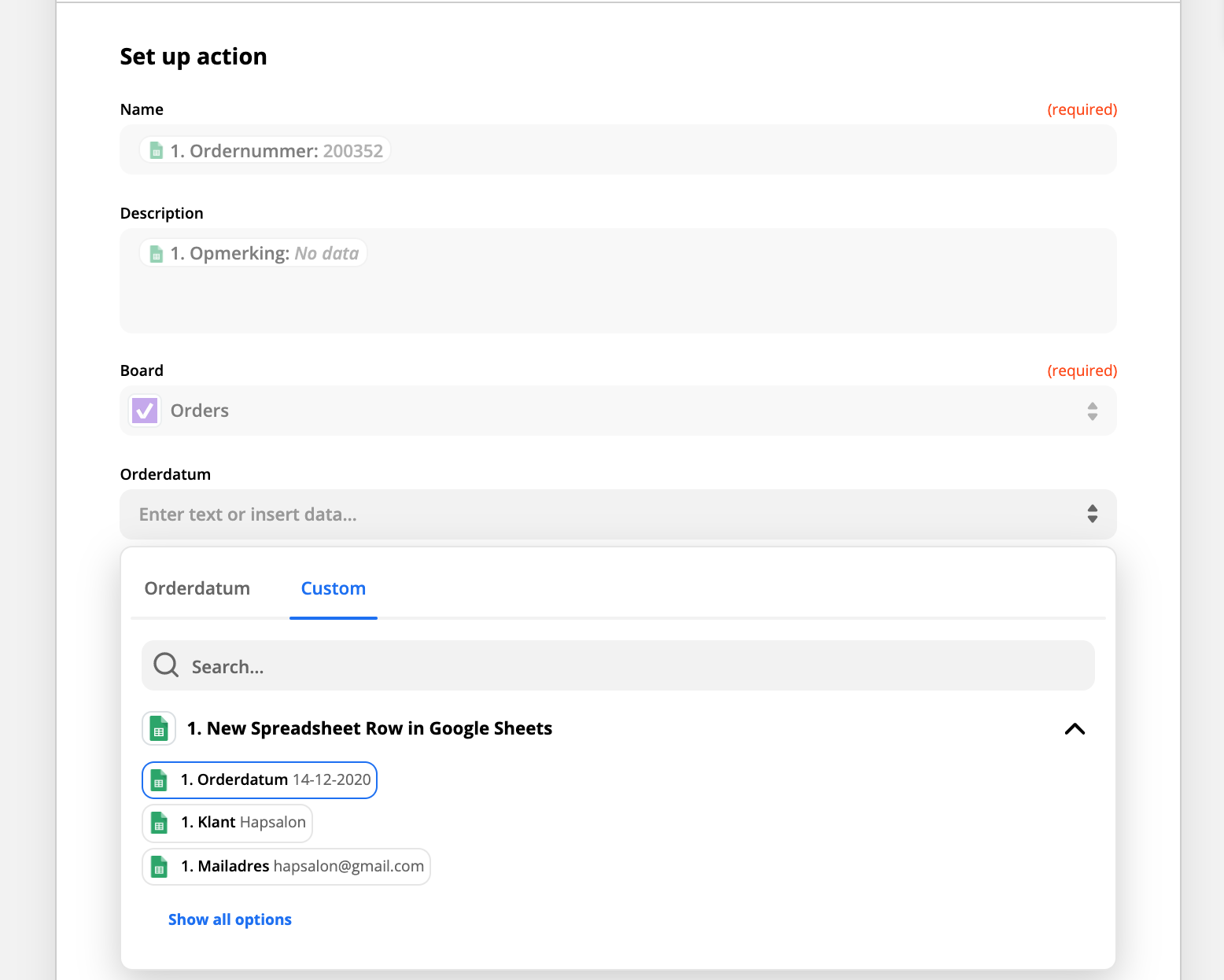
Select the newly authorized account and set up the action. You will find the standard available fields for a card. Then, select the board and phase where the card should be scheduled. Use additional fields to fill in other columns from the Google Sheet. All required fields must be filled, and save this setup:
Now that the action is set up, you can test the entire Zap:
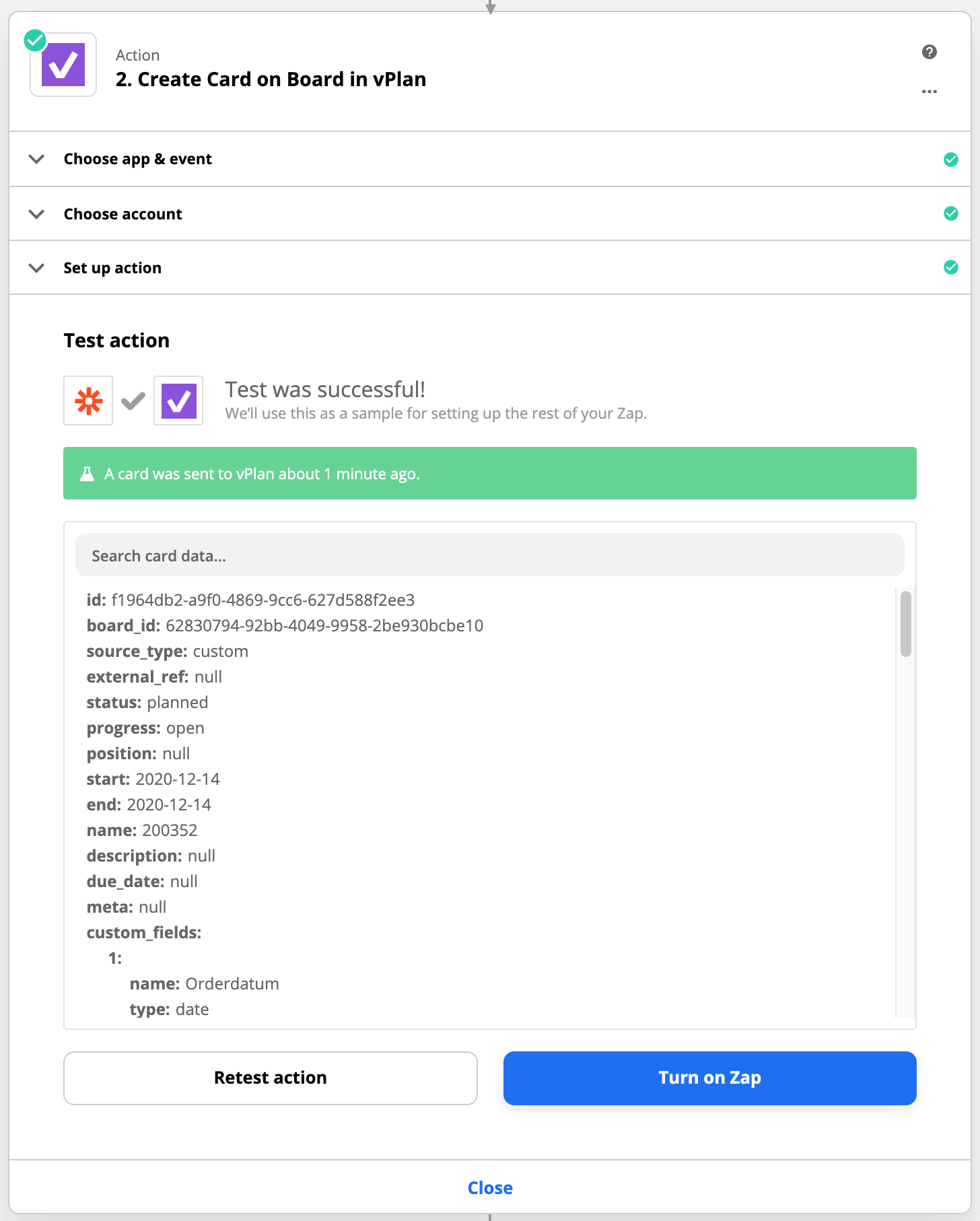
You can now enable the Zap. From now on, every new row in my sheet will become a card in vPlan.

Work at vPlan
We are looking for new colleagues.


