
Important Updates and New Features for You
The end of the year is the perfect time to reflect on what we’ve achieved together. In 2024, we launched several new features designed to better support you in reaching your goals. Let’s take a brief look back at this year’s key updates.
Which ones are you already using? And which will you start using in 2025?
Capacity Based on Remaining Hours
Want to calculate your capacity even more accurately? You can now do so based on remaining hours!
What’s new?
Previously, vPlan only considered estimated and planned hours. Now, actual progress is taken into account. If you spend 8 hours on a task today, the remaining hours are automatically distributed over the following days.
How does it work?
In the capacity settings, you can now choose between three options: none, estimation, or remaining hours. You’ll immediately see how many hours you have left available in the capacity bar. Want to learn more? Read here -> Link to blog
Insights into Workload
Our workload feature gives you better insight into your team’s capacity. View your planning versus workload all in one overview.
- Instantly see planned or remaining hours as percentages or total hours.
- Analyze capacity by phase, group, or individual team member.
Learn more about applying workload effectively in your processes in this article: Link to blog
Capacity Across Multiple Boards with Workspaces
Working on multiple projects or in multiple teams? You can now allocate your capacity across several boards within a single workspace.
How does it work?
- Create a workspace with the relevant boards.
- Enable “shared capacity of resources” in the workspace.
- Schedule your resources across the boards in the workspace.
- View allocated hours within your capacity.
Curious about these new capacity features? We explain them in detail in our webinar! > Watch here
New User Roles
We’ve added a new user role and renamed the others to better match their functions, helping you assign rights more effectively.
- Admin (formerly Administrator): Full rights, including settings, planning, and user management.
- Manager (new!): Full planning rights but cannot modify subscriptions, integrations, or developer settings.
- Organiser (formerly Planner): Focuses solely on planning without configuration rights.
- Member (formerly Employee): Can view, execute plans, and log time.
- Guest (formerly Viewer): Can only view and comment, without affecting planning.
Tip: Review your user roles for the new year. Does everyone with the Admin role really need those rights, or would the Manager role suffice?
Automations That Make a Difference
We now offer a wide range of automations in vPlan. Need help navigating them? Here are three popular automations used by many of our customers:
-
Notifications for Approaching Deadlines
Get automatically notified as deadlines approach—for example, three days beforehand.
-
Subtasks Determine Project Duration
Use subtask automation to adjust the end date of the main task when a subtask shifts, automatically updating the project timeline.
-
Automations for Time Tracking
For instance, automatically stop the running timer when a user starts another timer.
Learn more about these and other automations in our blogs.
App Developments
We’ve made significant updates to the app this year, making task management more intuitive than ever. Here are some features you’ll now find indispensable:
- Timeline View: See all your tasks in a timeline directly in the app.
- List View: A new update within the app! Perfect for a complete overview of your progress, wherever you are.
- Card Preferences: Customize which fields appear on your task cards. Display key information prominently at the top.
Check out this video to explore all the app’s features.
Forms in vPlan
Say goodbye to pen and paper! Forms let you easily add, edit, store, and share documents.
- Work on forms both online and offline.
- Always have the latest version of your documents at hand.
- Perfect for quality checks, procedures, and on-site work.
Learn more about forms: Link to blog
New Faces in Our Team
In 2024, we welcomed talented and enthusiastic new colleagues:
- Marlou joined as a project manager.
- Deborah strengthened our administration department.
- Stijn and Cheyenne joined our consultancy team.
- Myron became the new face of our sales team.
A Look Back at All the Highlights!
Check out our video recapping this year’s highlights, including events, partnerships, and customer successes. [Link to video]
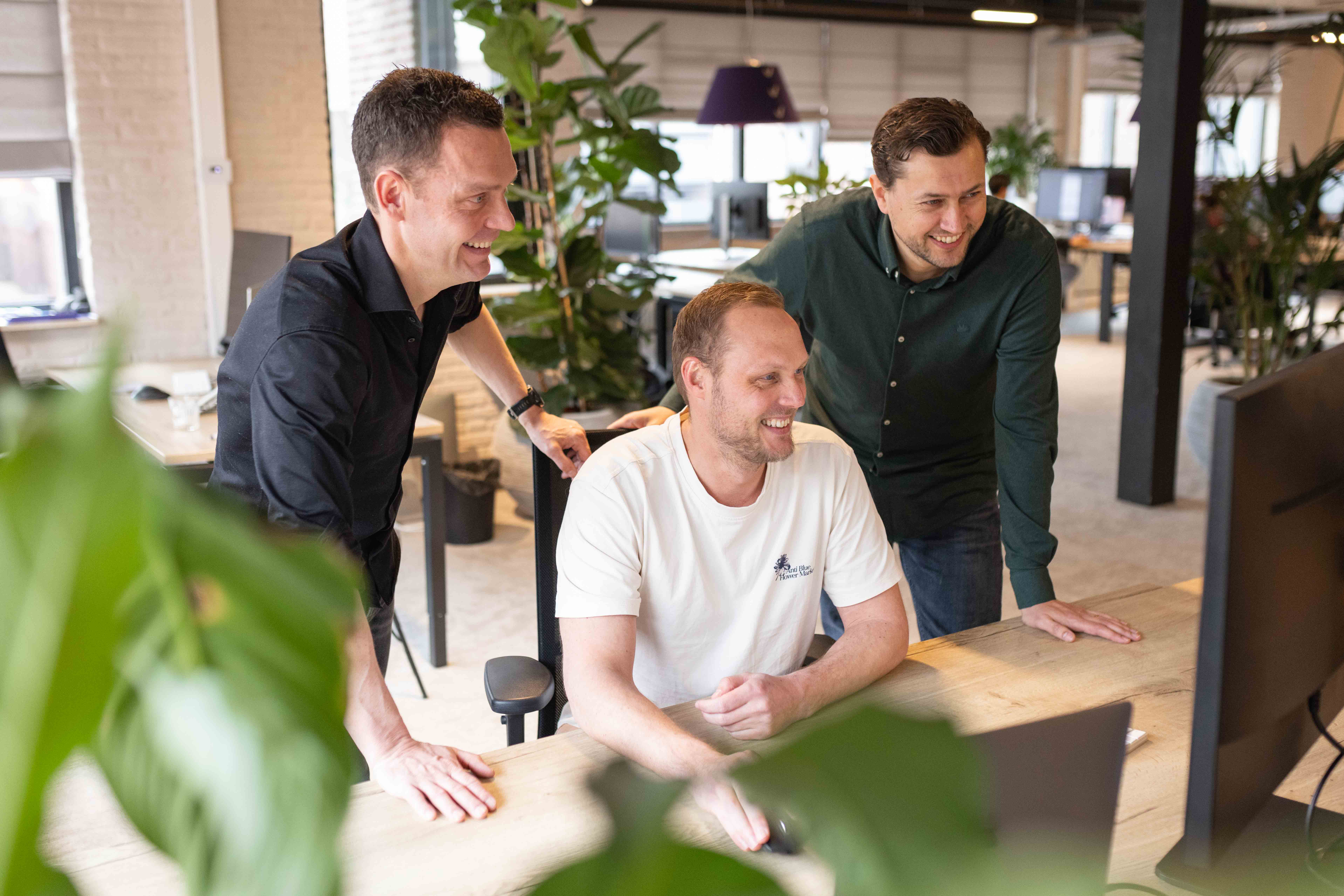
A Special Thank You from KMK
We’ve had a wonderful year together! We want to extend our heartfelt thanks to everyone who placed their trust in us this year.
To our new customers: thank you for choosing us! To those who have been with us for up to 7 years: your loyalty and collaboration mean the world to us.
A special thanks also goes to our partners for their ongoing support and to our amazing colleagues for their dedication and enthusiasm. Thanks to you, we’ve achieved so many exciting developments that enable us to better meet our customers’ needs.
We look forward to 2025 with energy and enthusiasm. Here’s to new opportunities, innovations, and milestones!
Thank you, and here’s to an even better year ahead!
Best regards,
The vPlan Team

Carmen
Work at vPlan
We are looking for new colleagues.